
Live map
Your aircraft. The whole network.
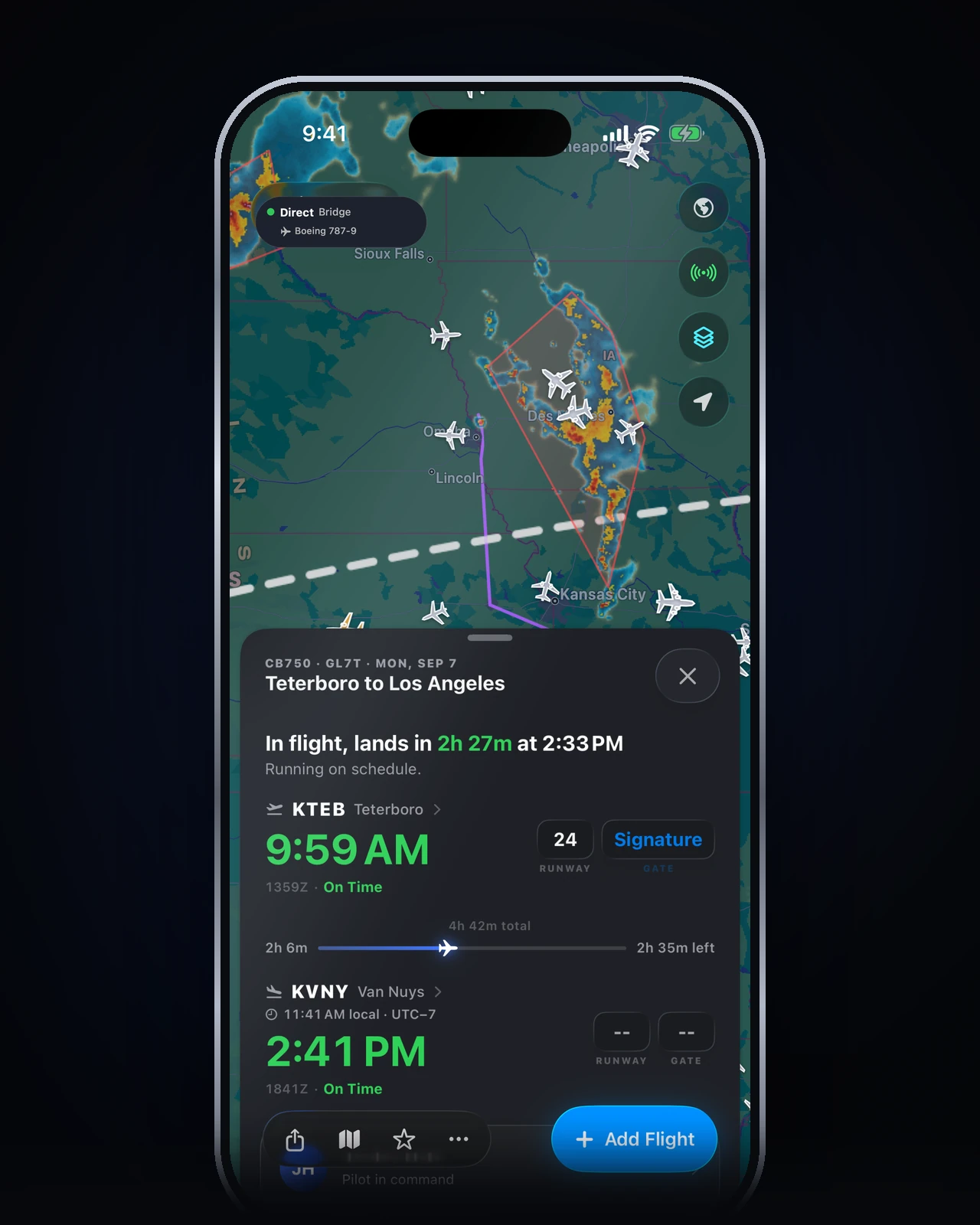
A dark full-screen map of your flight, next to thousands of live VATSIM and IVAO traffic and every controller online. Tap a callsign. Watch the sky move.
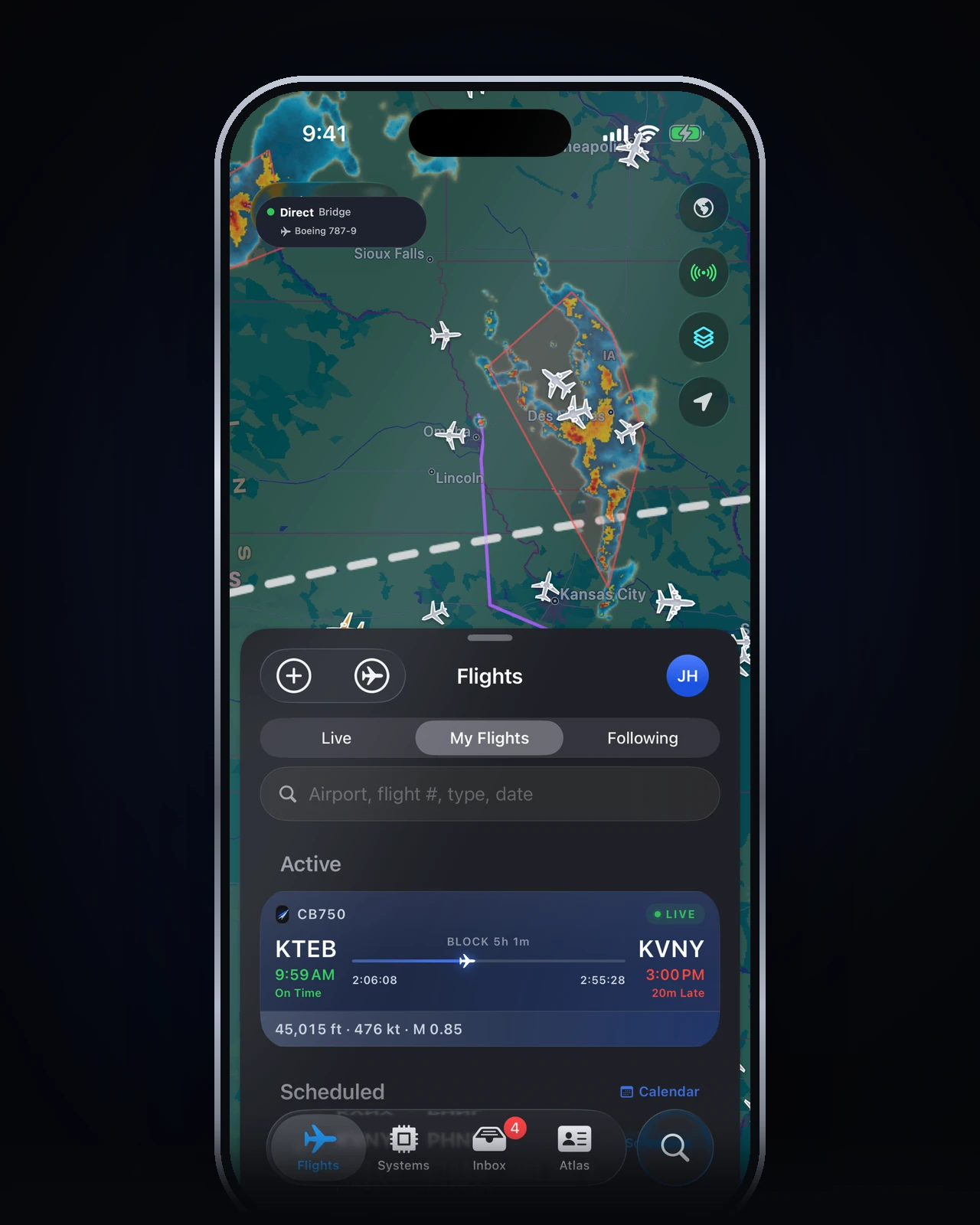
Live map, Lock Screen Live Activities, systems remote, and ATC messaging. Wired to the sim through Cobalt Bridge, on the phone already in your pocket.
Launching soon. Leave your email for a launch code — 10% off Peak. Get notified · Download Bridge · 5-minute setup
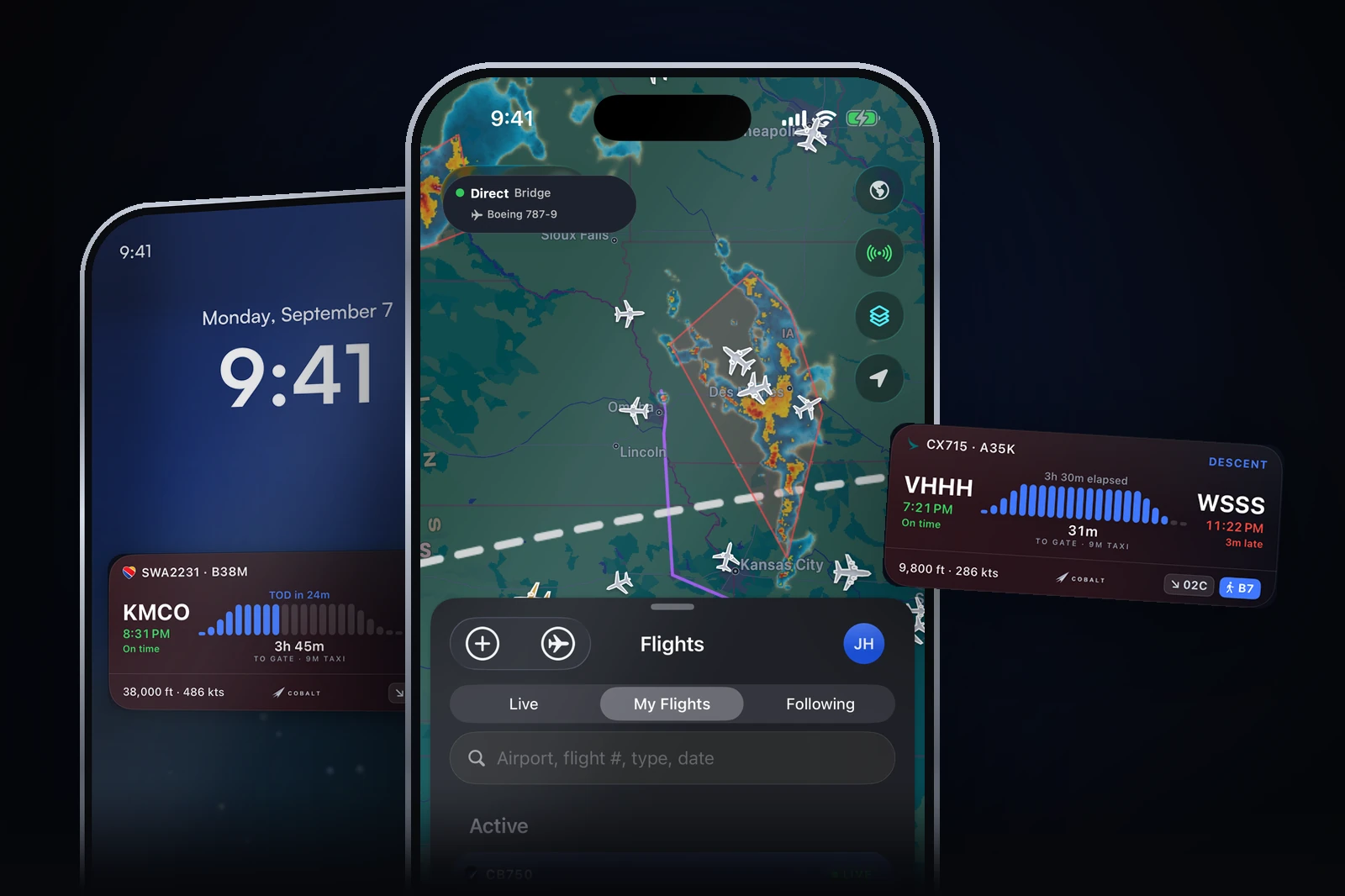
Long-haul is the hobby. Sitting still for six hours is not. Cobalt follows the aircraft you are already flying.
A dark full-screen map of your flight, next to thousands of live VATSIM and IVAO traffic and every controller online. Tap a callsign. Watch the sky move.
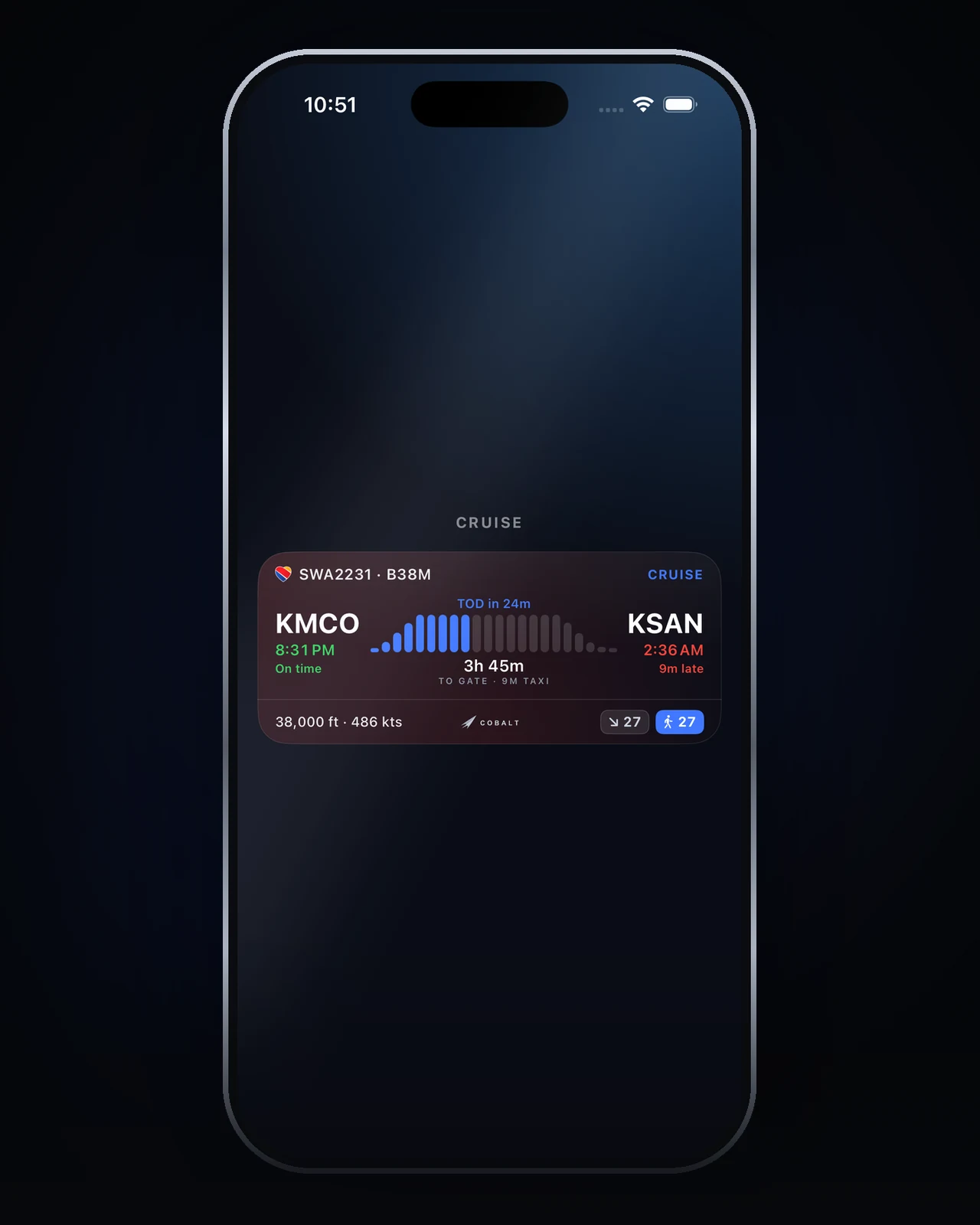
Progress, altitude, and a ticking ETA stay on your Lock Screen and Dynamic Island. A top-of-descent alert brings you back for the approach.
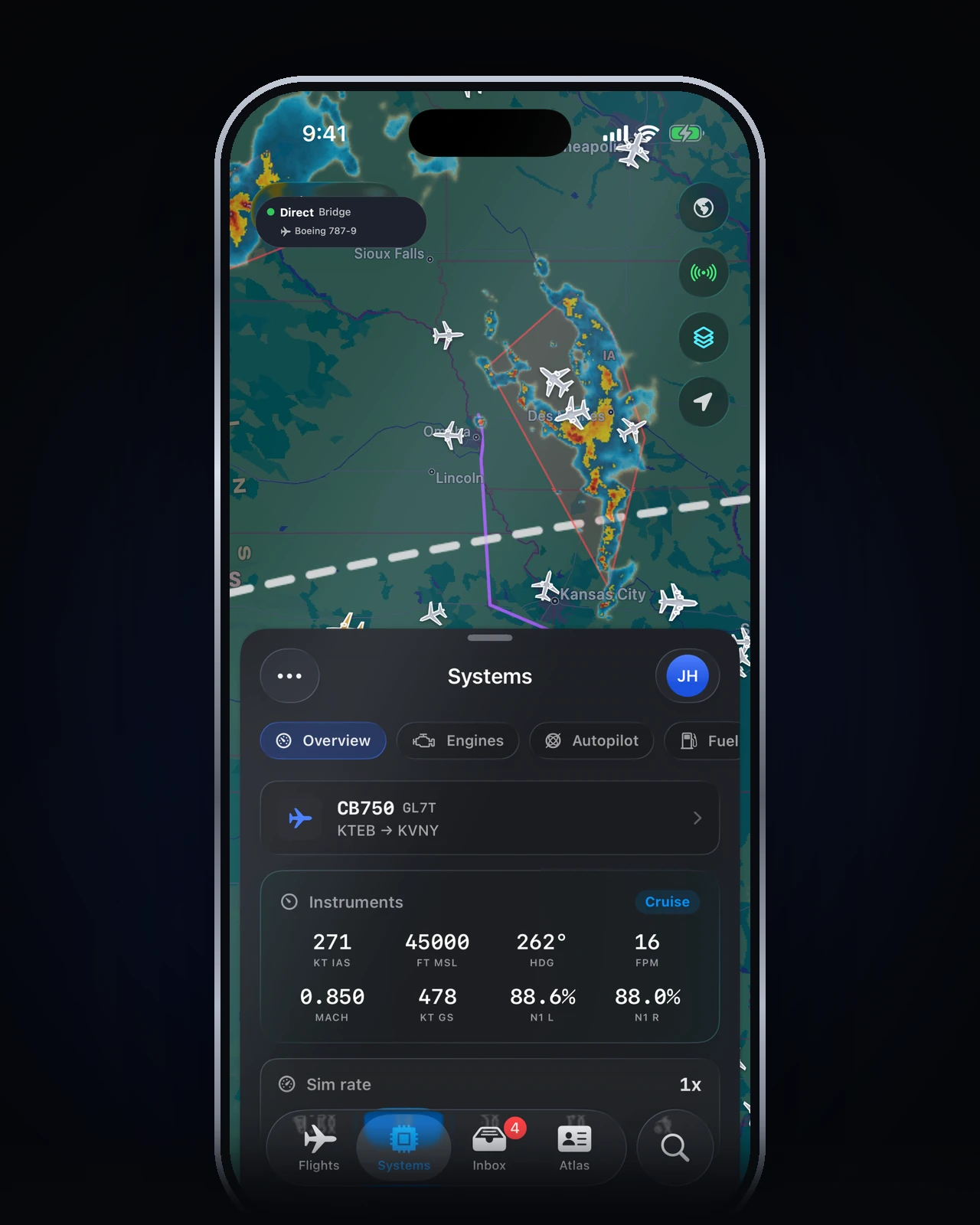
Autopilot, lights, engines, cameras, pause. Wired to the sim. With Peak, it works from the couch or from anywhere on cellular.
Install the Cobalt Bridge on your sim PC. It connects MSFS or X-Plane to your phone over Wi-Fi. Any aircraft. If the phone drops, the Bridge keeps recording and fills the gap when you return.
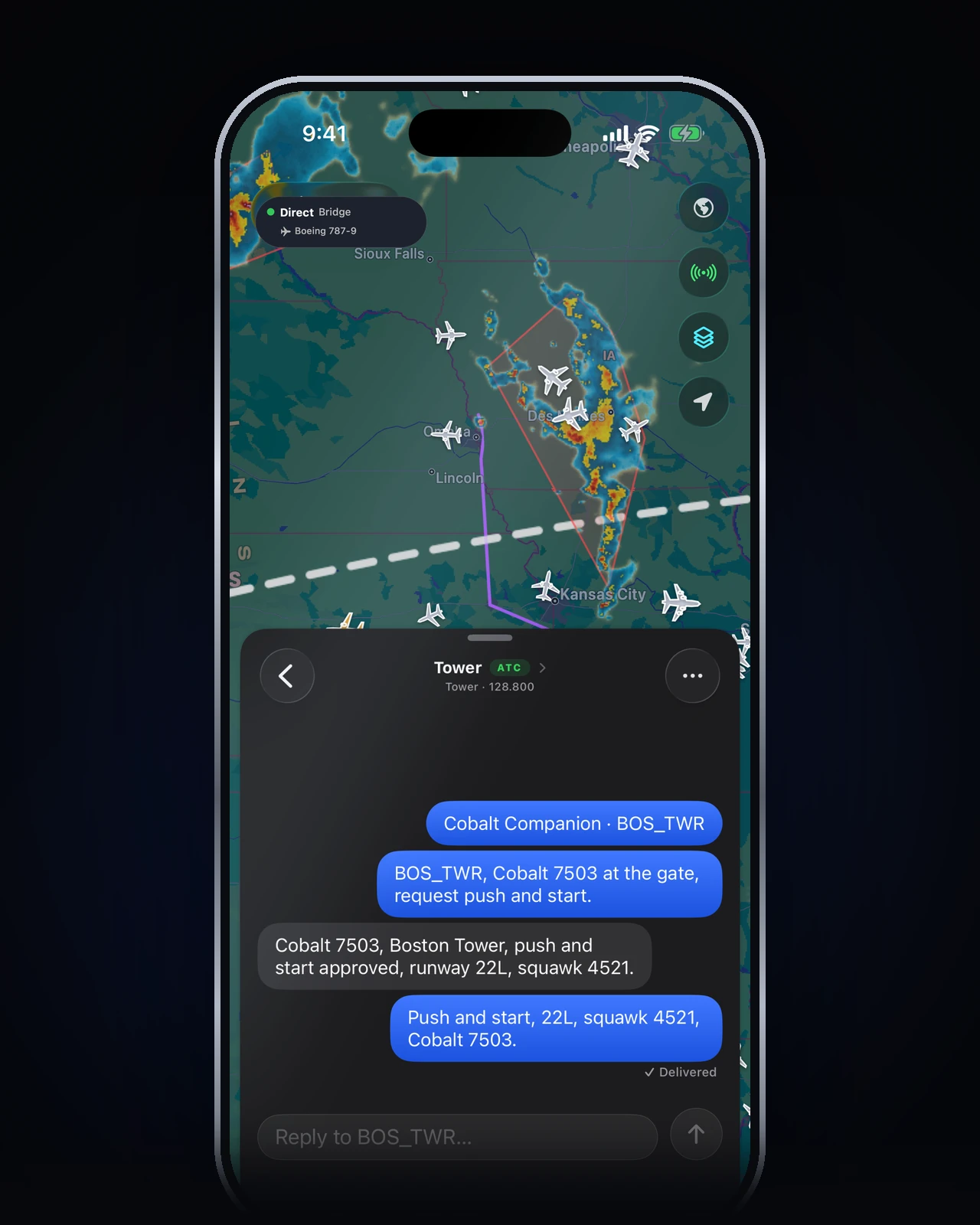
Private messages to VATSIM controllers from Cobalt Inbox, delivered through your own vPilot session. Hand off a frequency, acknowledge traffic, stay on the loop without sitting at the desk.
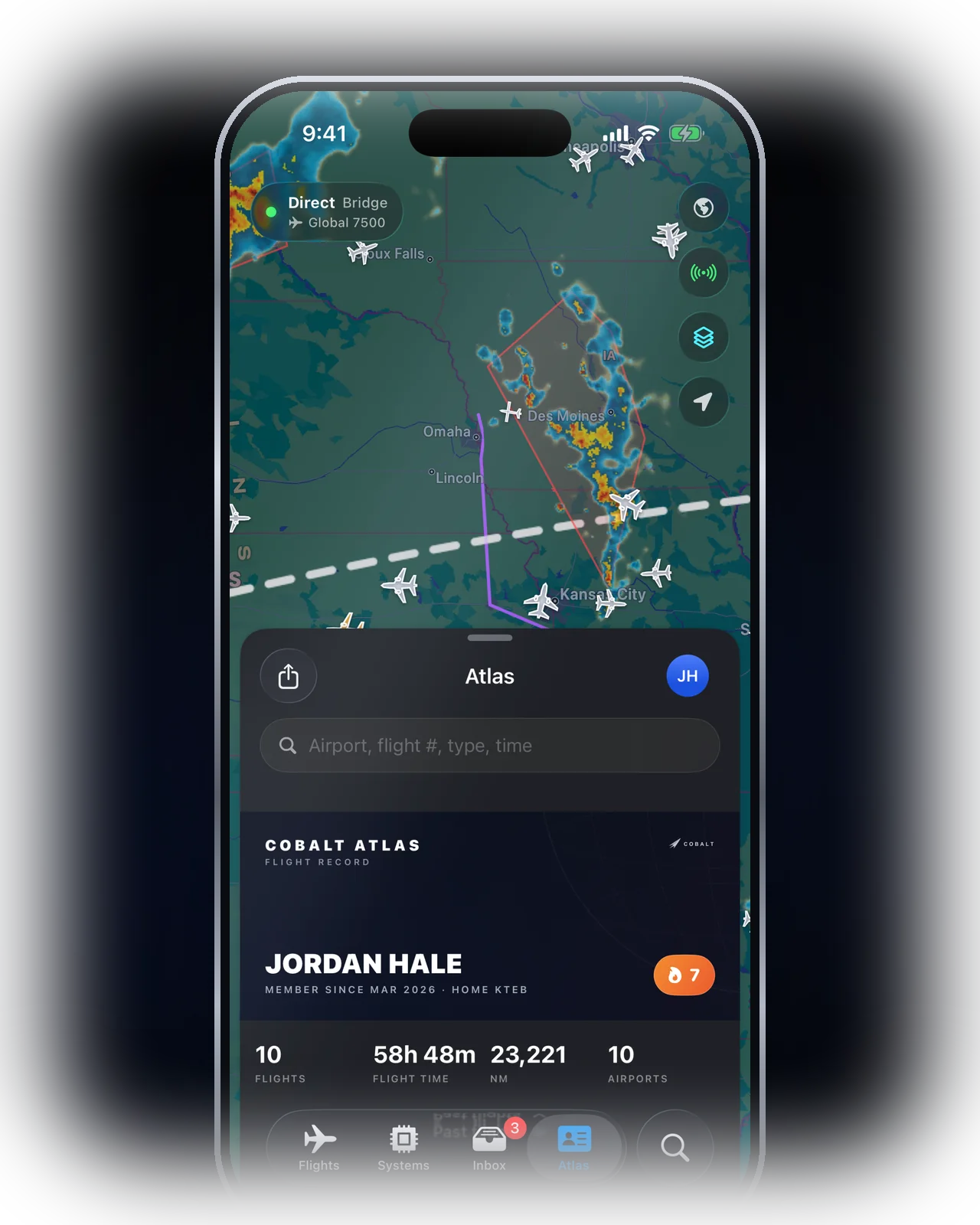
Stamps, stats, and routes on a share-ready card. Flights log themselves from real telemetry. VATSIM pilots get CID-verified network hours, right on the passport.
Cobalt is free to fly. Peak unlocks remote systems, live camera, the fleet map, ATC messaging, Relay from anywhere, full history, and the Bridge on up to 3 PCs.
Short answers for the things pilots ask first.
Yes. MSFS 2020, MSFS 2024, X-Plane 11, and X-Plane 12. The Bridge auto-detects whichever sim is running.
Yes: the Cobalt Bridge (free download). On the same Wi-Fi, the app finds it automatically. For two-way VATSIM ATC messaging on MSFS, also install the Cobalt vPilot plugin from Bridge (one tap). Core tracking and systems work with Bridge alone.
No. Live tracking, the map, Atlas basics, and Lock Screen Live Activities are free. Peak adds remote systems control, live camera, the fleet map, cellular Relay, ATC messaging, full history and reports, and the Bridge on up to 3 PCs.
Yes, with Peak. Start a long haul, leave the house, and keep watching and controlling over cellular through Cobalt's secure Relay.
Nothing is lost. The Bridge keeps recording on the PC, up to 12 hours, and hands your phone the missing segment when it reconnects.
Yes. Live network traffic and controllers on the map, and CID-verified network hours on Atlas. Two-way ATC private messages work with vPilot via the Cobalt plugin; xPilot uses an optional Bridge relay.
Check the inbox you paid with for a Claim Peak email and open the link while signed into Cobalt. Or sign in with the email you want Peak on and tap Settings → Restore purchases. Peak follows your Cobalt account, not the App Store.